Turning Features On/Off
To modify an installed product through the Progress Control Panel you need to sign in first. After successful authentication you will see the available products for your account.
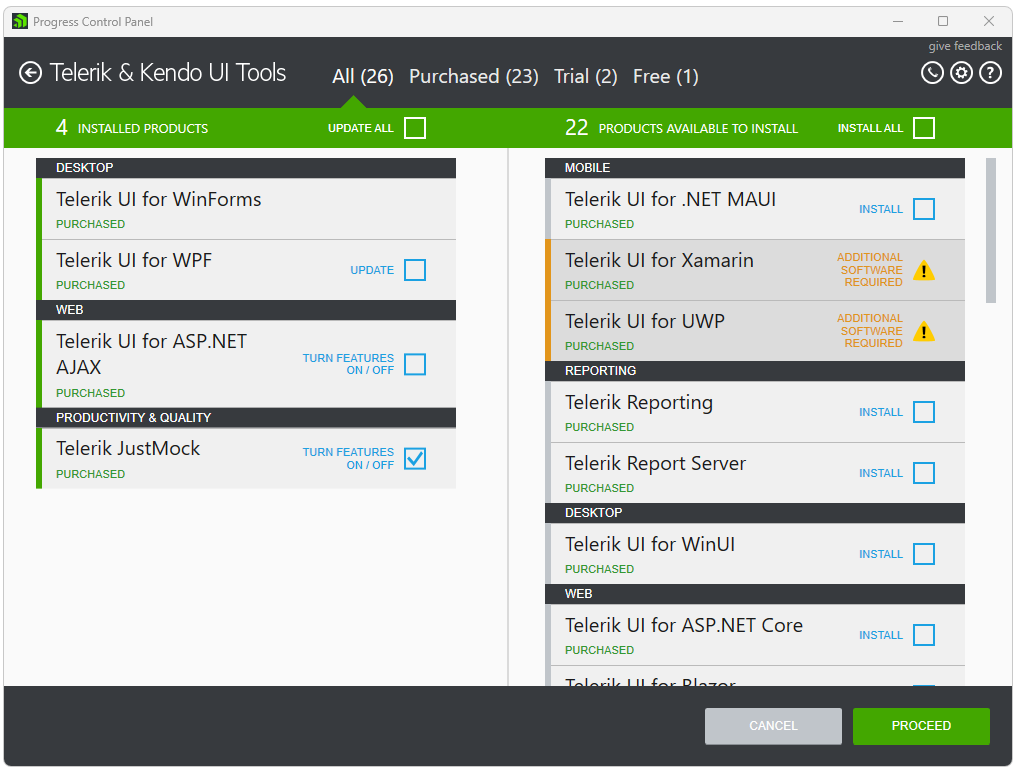
Choose a product on the left to be modified and check the TURN FEATURES ON/OFF checkbox.
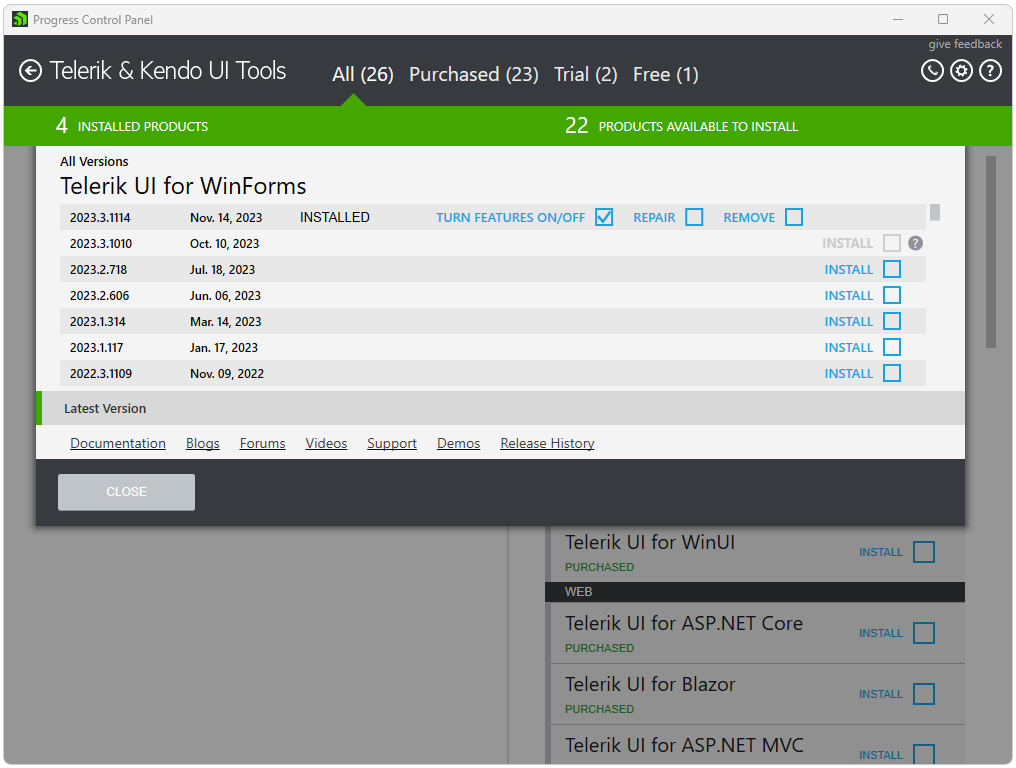
If there are parallel versions of a product installed on the machine a click on the product to open the product details view should be performed in order to modify. Expand the All Versions view in order to select a version to modify. Select the version that you would like to modify and close the view.
Modify operation is available for products newer than 2012 Q3 that have editable features.
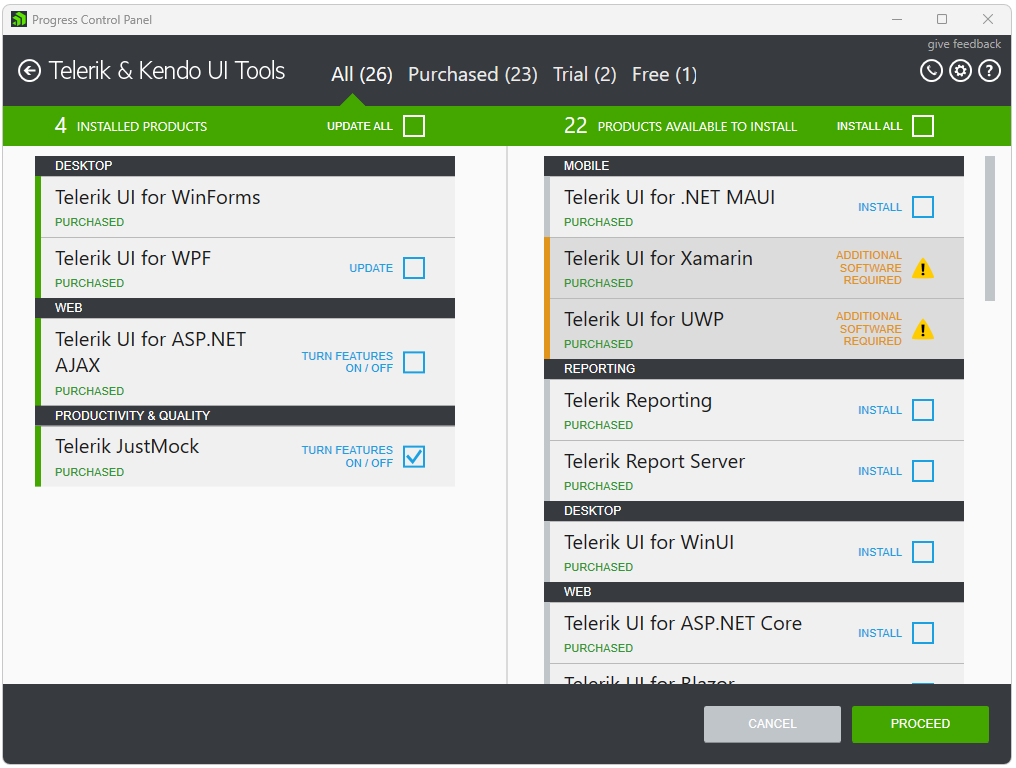
Click PROCEED to continue.
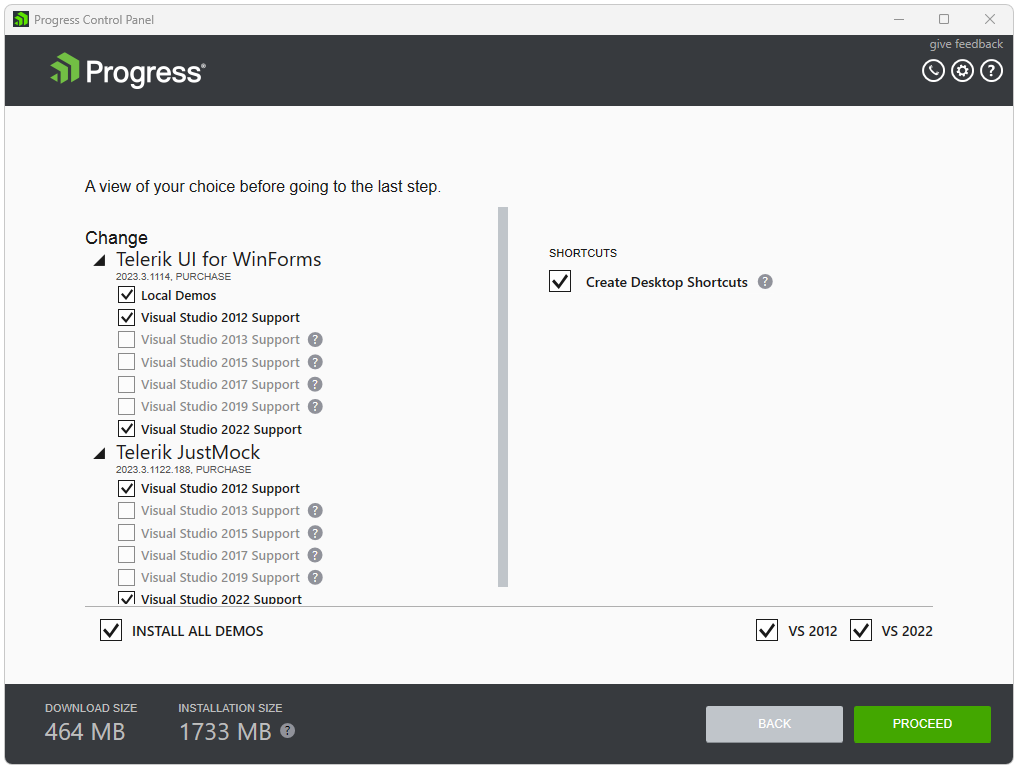
After you have selected which products to modify, in the products view choose which features to turn on or off. Then, click PROCEED and the installation will start. After the installation has completed, you will be returned to the products view.